Every clip landed one frame short
You mark in and out on forty clips, send them to a timeline, and the edit looks fine. Weeks later someone checking durations tells you every one of them is a frame shy of what you marked.
One frame is nothing to look at and everything to a delivery spec. And it is easy to ship, because the place it goes missing is a single word in an API nobody reads twice.
Two ways to mean "out"
When you mark an out point, you mean one of two things, and both are reasonable:
- Inclusive — the out frame is part of the clip. This is what editing applications show you. Mark 3s to 8s on 30fps material and you expect 151 frames: five seconds, plus the frame you landed on.
- Exclusive — the out frame is where the clip stops. The same marks give 150 frames.
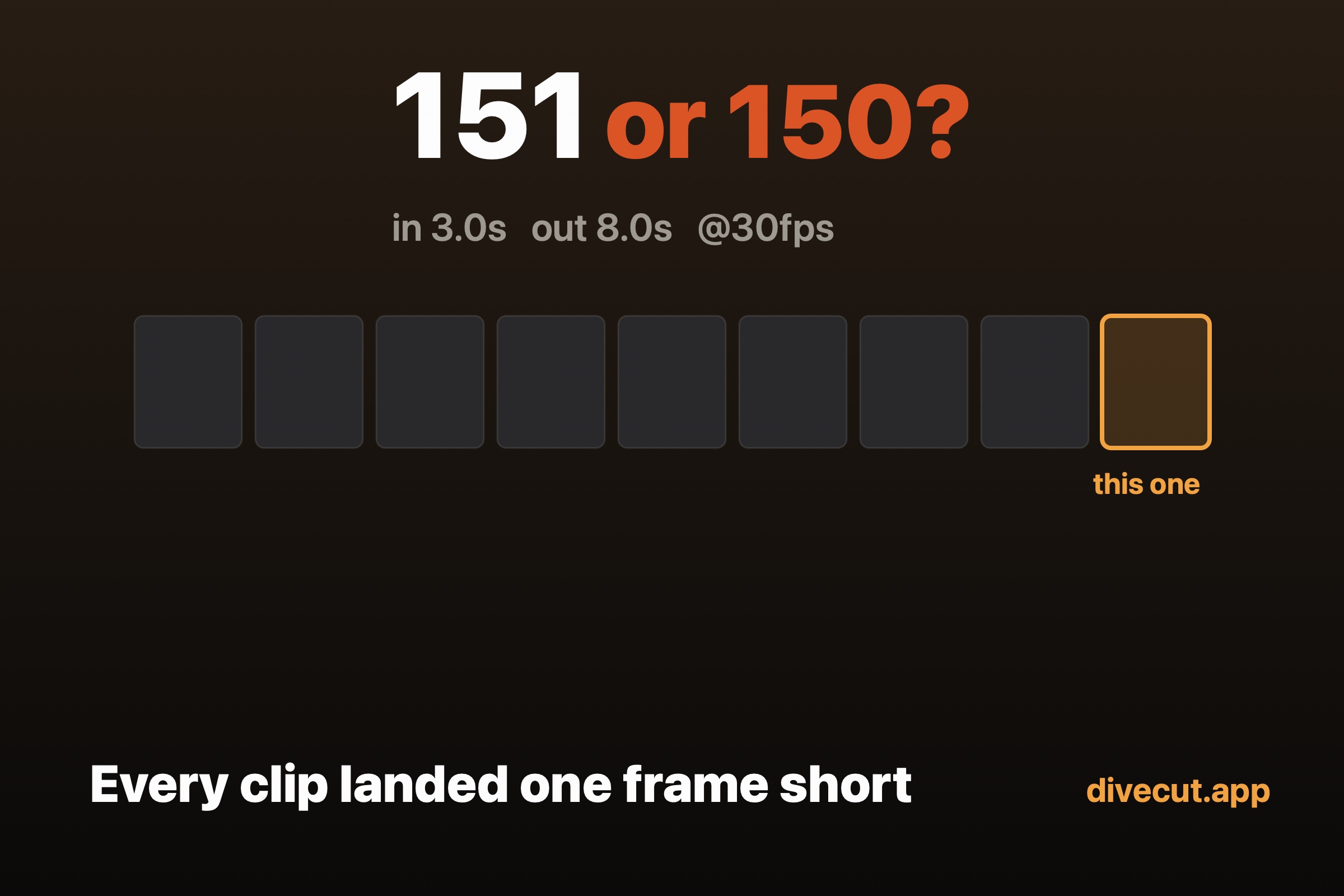
Neither is wrong. The trouble starts when one part of your pipeline assumes one and the next part assumes the other, because the difference is exactly one frame and one frame is invisible.
Where the frame actually goes
Resolve's scripting API takes a start and end frame when you append a clip to a
timeline. The end frame is exclusive: the duration you get is
endFrame - startFrame.
So if you hold your out point as inclusive — the way the interface presented it to the person marking — and hand that number straight to the API, every clip arrives one frame short. Not the first one. Not the tricky ones. All of them, silently, forever.
The fix is one line: pass outPoint + 1. The hard part is
knowing that you need to.
There is a second edge here worth knowing about. If the range collapses so that the end frame equals the start frame, the append call returns false and the clip simply doesn't arrive. A range of zero length has to be clamped to one frame before it leaves.
Why it survives testing
Ranges leave a footage app through more than one door, and the doors don't agree
with each other. A timeline API, an EDL, a media export, an ALE — in the systems
I've worked with, those are four separate conversions, and they are not all in
the same convention. EDL and ALE both treat the end as exclusive. An export that
computes duration as out - in is exclusive too. Only the interface
the person actually marked in was inclusive.
That's four chances to convert, and it only takes one place doing it twice, or one place not doing it at all, to move a frame. The rule that keeps it survivable is to hold one convention internally and convert exactly once at each exit — never in the middle.
How to check yours
You cannot eyeball this. You have to cut something and count what comes out. Mark a range you can do arithmetic on — 3.0s to 8.0s on 30fps material — send it, and read the duration on the timeline. Inclusive gives 151 frames. Exclusive gives 150.
Set the timeline frame rate to match the clip before you count. This part cost me an afternoon. Put 30fps material on a 24fps timeline and those 151 frames become 120 — the extra frame is rounded away along with several others, and the check quietly stops being a check. The in point stays where you put it, so nothing looks wrong.
Two more things I'd avoid. Don't do the arithmetic in seconds: a value that should be 121 frames can arrive as 5.041666…, and the conversion back to frames truncates it to 120. Work in whole frames. And don't verify with the API call that returns a clip's source end frame — in my testing its reference point wasn't consistent between items on the same timeline, so it can't settle an argument about a single frame. Read the offset and the duration instead.
What Divecut does
Divecut holds out points as inclusive, because that's what the person marking
them means, and converts once at each exit. For the Resolve handoff that means
endFrame = outPoint + 1, with a minimum of one frame so a collapsed
range still arrives.
I checked it the way described above rather than trusting the code: 3.0s to 8.0s on 30fps material lands as 151 frames on a matched timeline. That measurement is the reason this article exists — I found the mismatch by reading the two paths side by side, before any footage was cut, and the count is what confirmed the fix.
The clips arrive as Log, untouched, with the conversion applied as timeline information rather than burned into the picture. Which is a different article.
Divecut is a footage browser for macOS and iPad. It shows Log clips in the colour you shot them for, lets you search them in plain words, and hands your selects to DaVinci Resolve with the Log intact — ranges included. See everything it does.