Blog
Notes on Log footage, color pipelines and on-device search — written while building Divecut, in the open.
-
You shot Apple Log on your iPhone. Now what?
The tutorials end at the record button. And the standard advice for Log footage quietly assumes you bought into a camera brand — which you didn't.
-
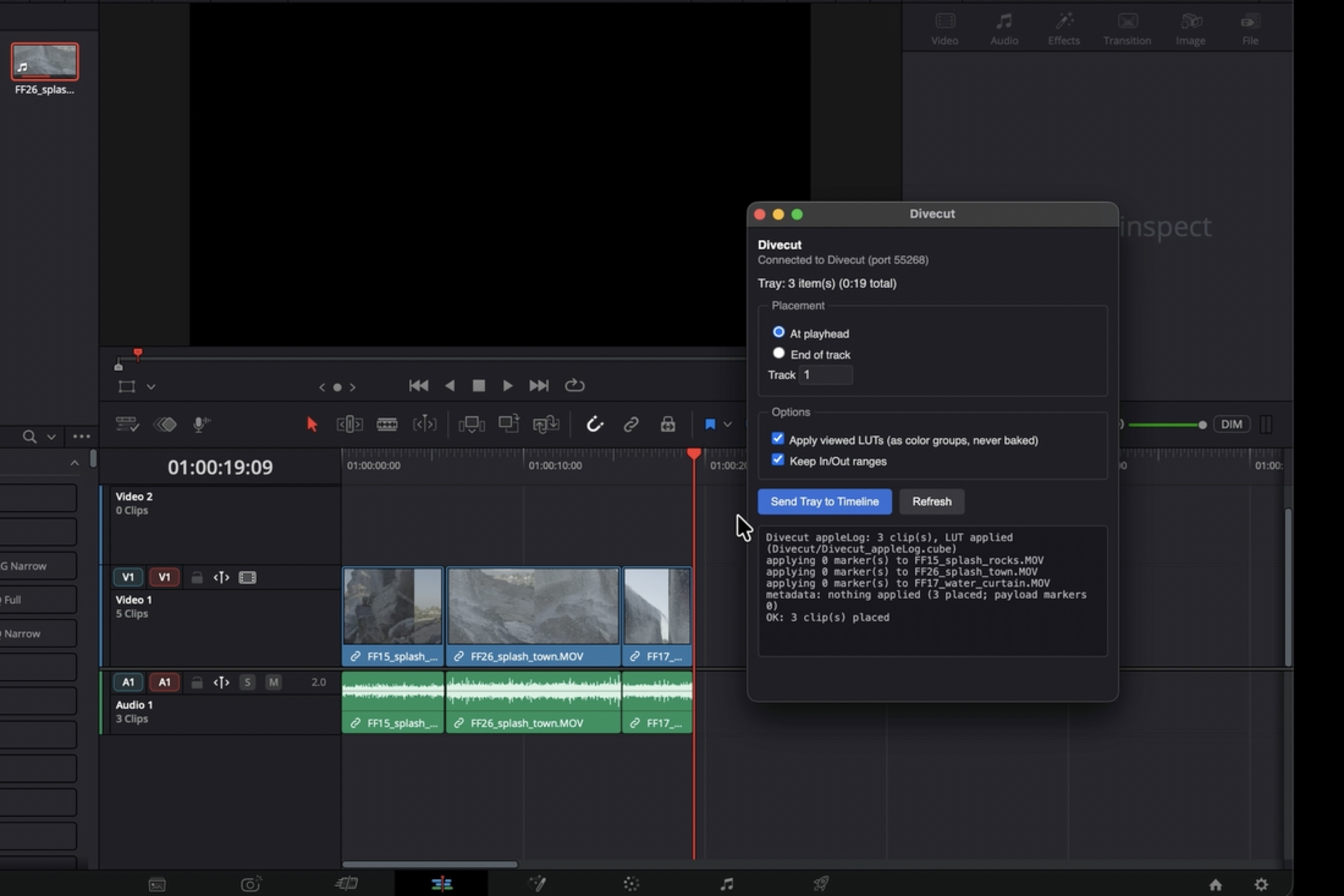
Send your selects to Resolve without baking anything in
Your picks land on a Resolve timeline as the original Log files, with the conversion applied as colour groups and your in and out points intact.
-
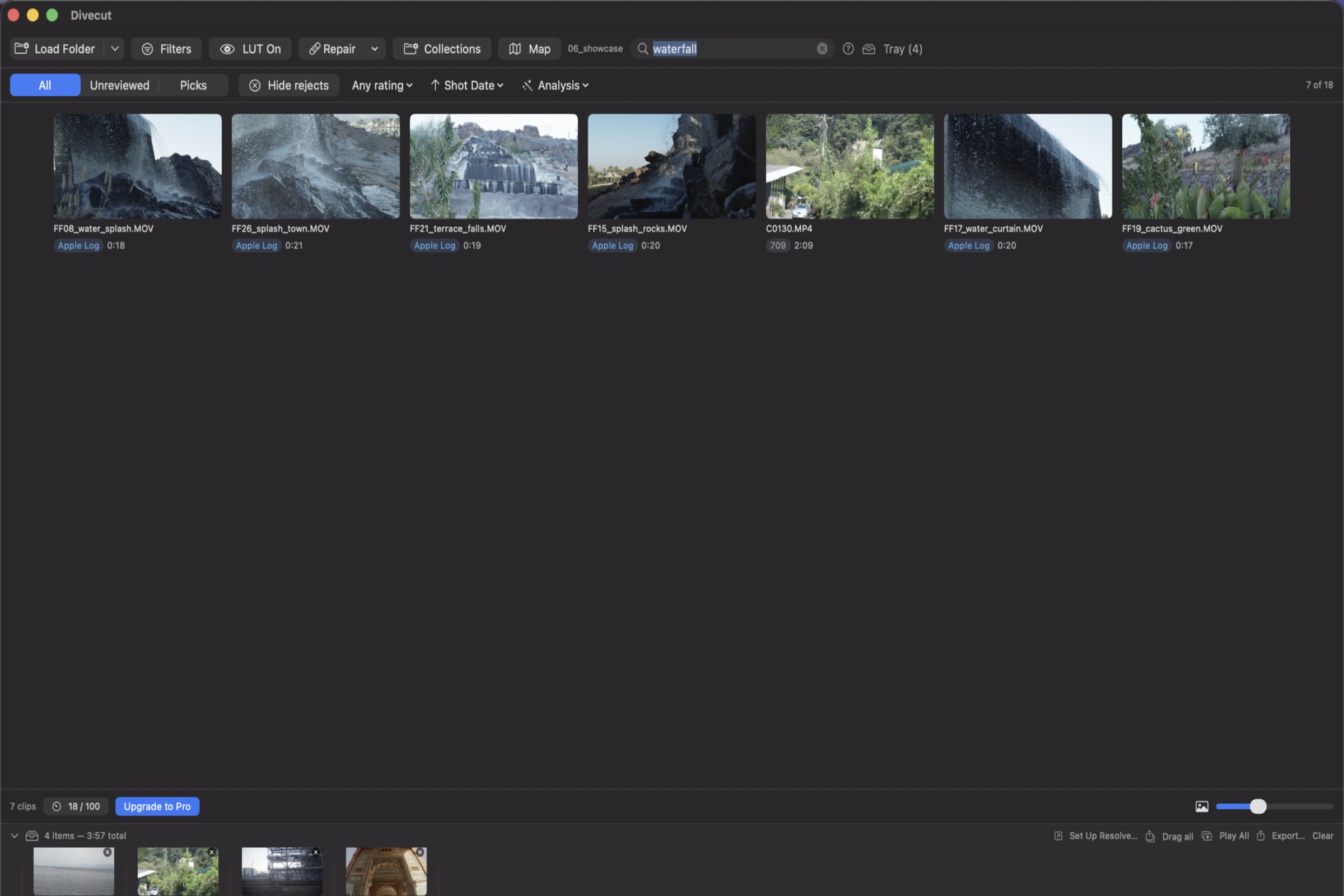
Find the shot without naming the file
Type what you remember seeing. Divecut matches it against the frames themselves, on your Mac, with nothing sent anywhere.
-
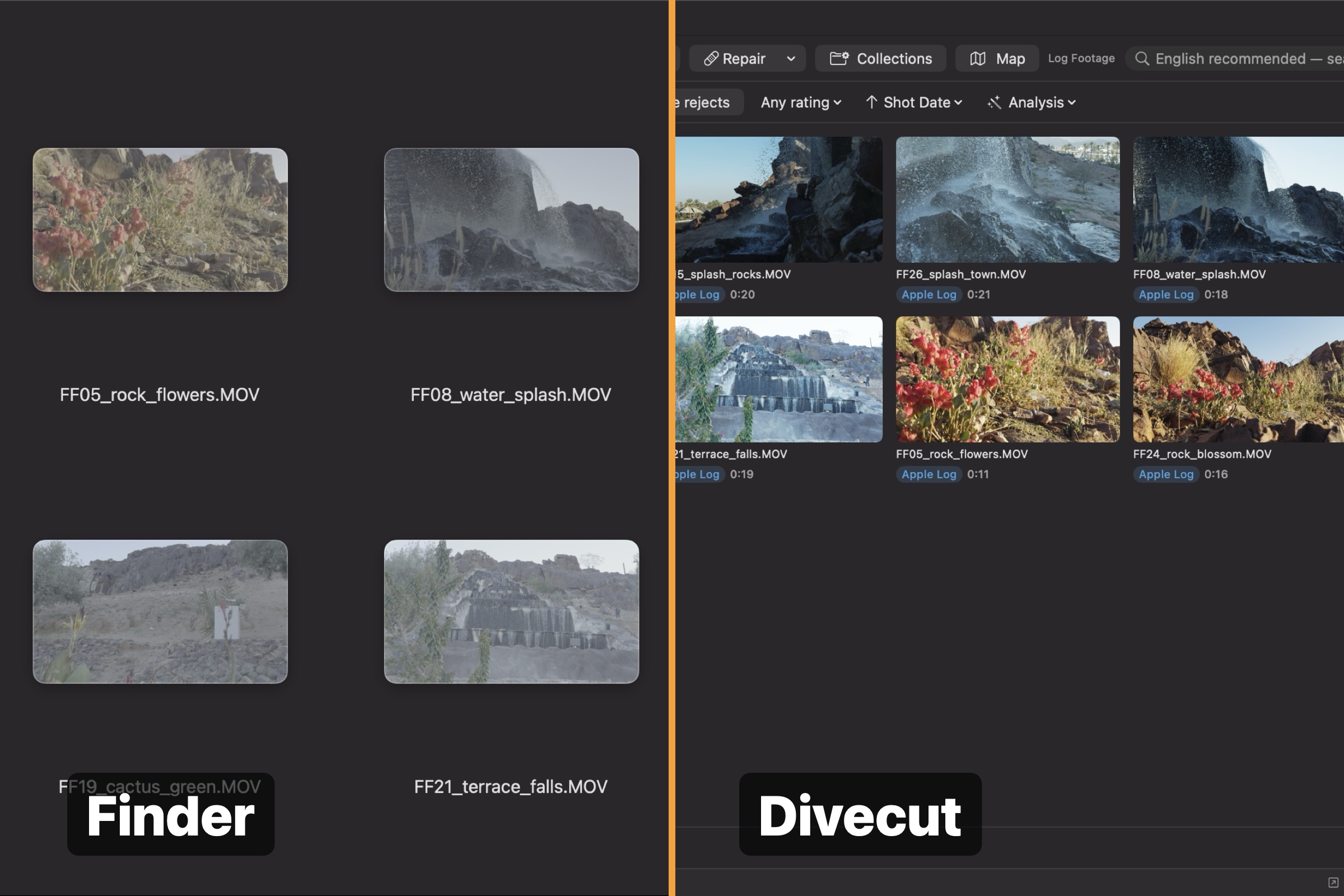
See your Log footage in the colour you shot it
Log clips look flat everywhere until something converts them. Divecut does it on the grid, per camera, and shows you what it knows from what it is guessing.
-
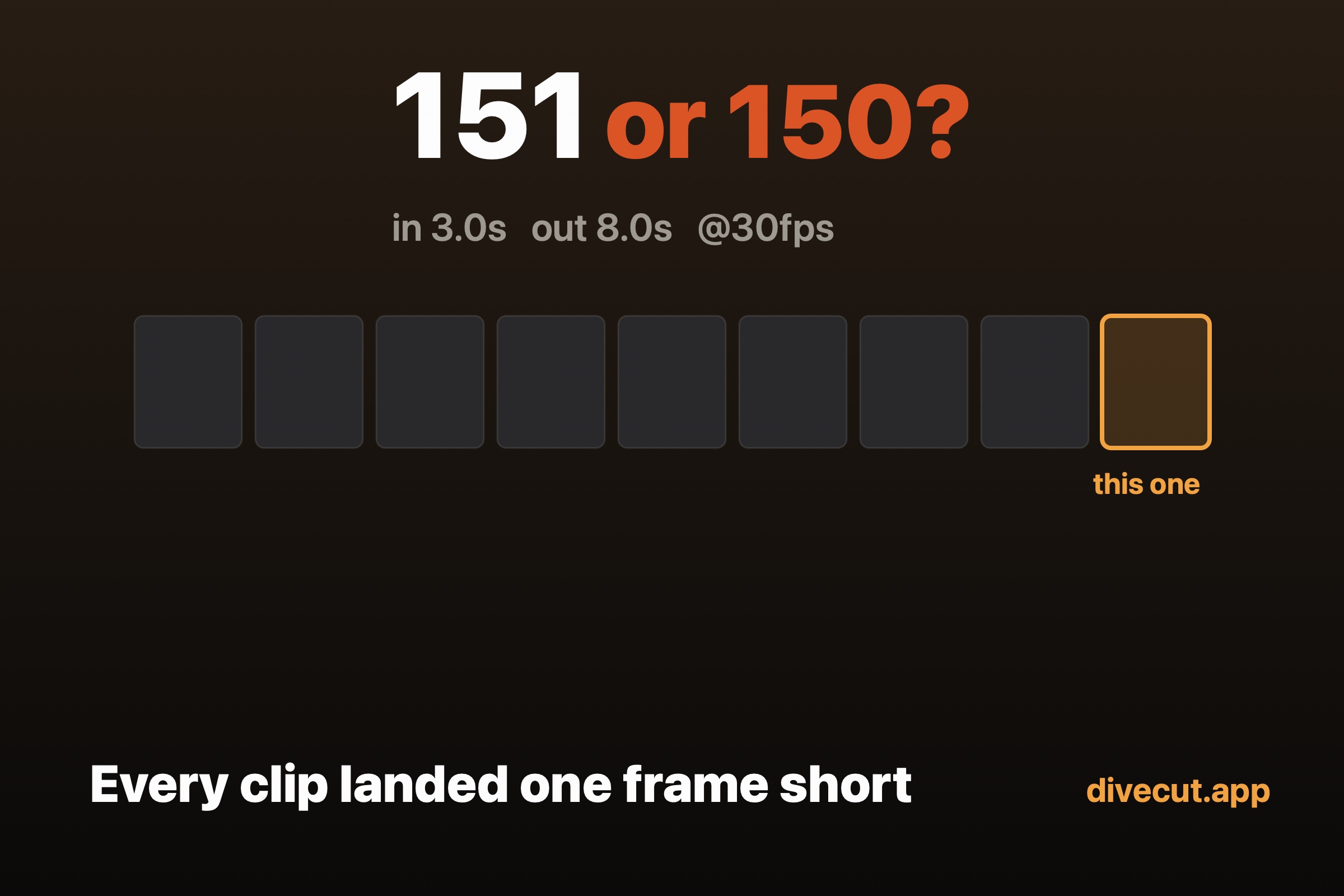
Every clip landed one frame short
Send a marked range to a Resolve timeline and it can arrive a frame shy of what you marked. Here is where the frame goes, and how to count yours.
-
Is this clip actually Log? Your camera already knows
You changed picture profiles mid-shoot and now half your clips look wrong after grading. Your camera wrote down what it did — the problem is where.
-
Four ways I got security-scoped bookmarks wrong
Holding a bookmark is not the same as having access. Four real bugs from building a sandboxed macOS app — and what was hiding each one.